
AI video background generator
Describe a scene, attach your audio, and get vertical backgrounds for TikTok, Reels and Shorts — composed around an empty centre so your face and captions stay the brightest thing in frame.
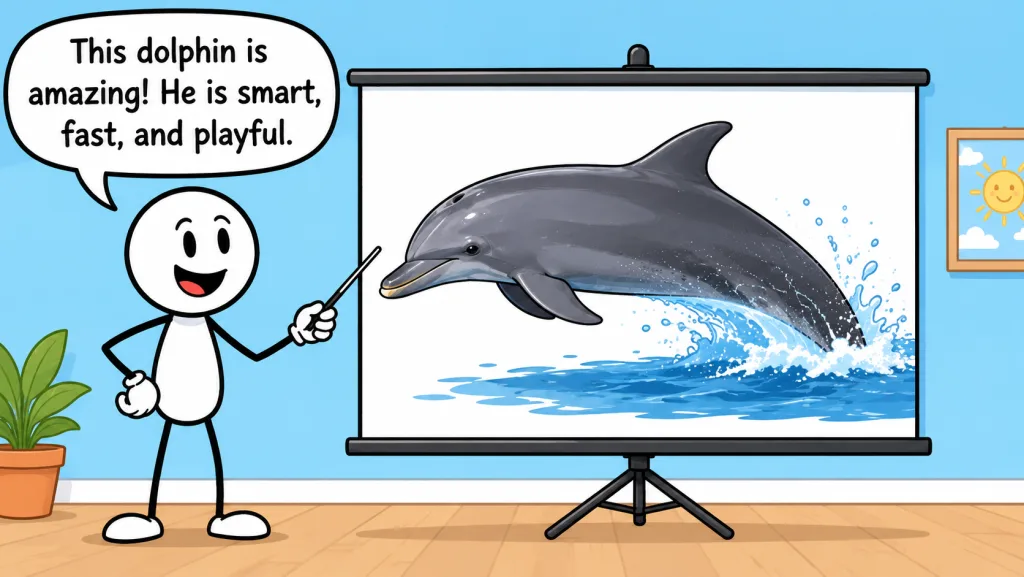
- “Stick figure presenting a dolphin on a projector screen, flat cartoon”
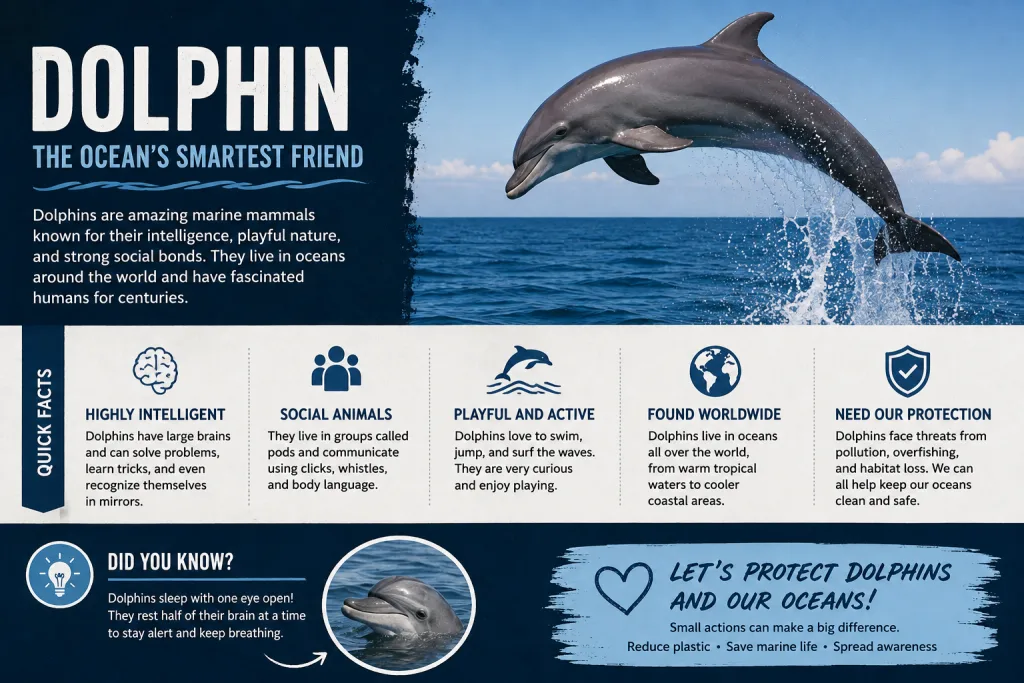
- “Bold dolphin infographic poster with quick facts, navy and ocean photos”
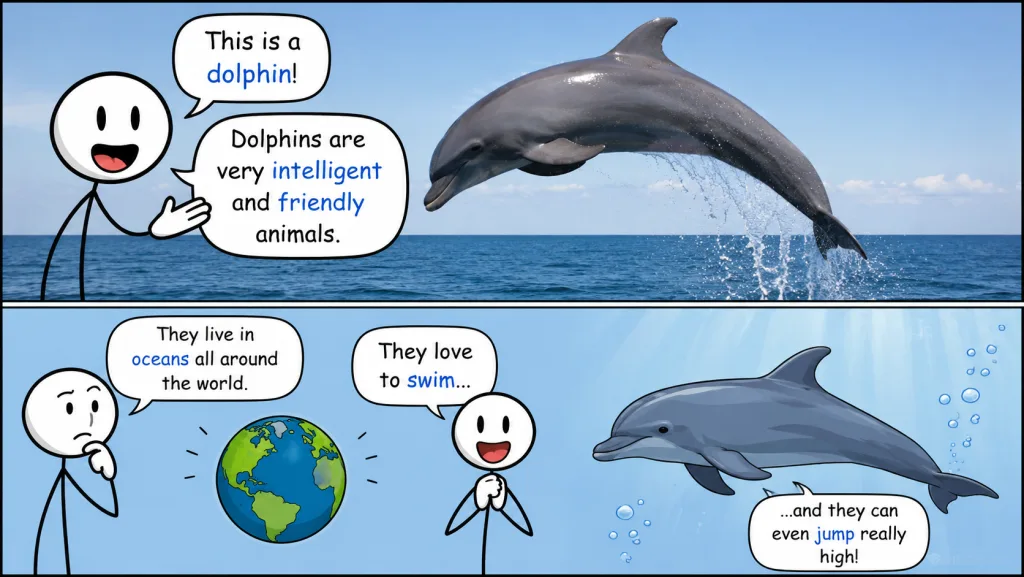
- “Two-panel dolphin explainer comic, photo on top, cartoon below”
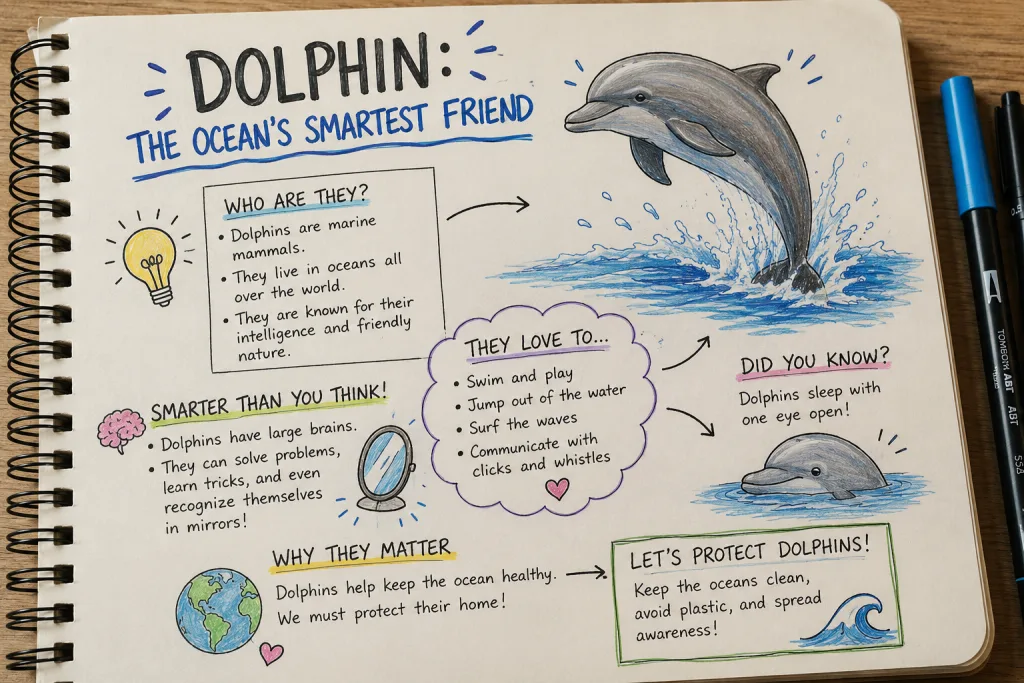
- “Hand-drawn dolphin sketchnotes in a spiral notebook, marker doodles”
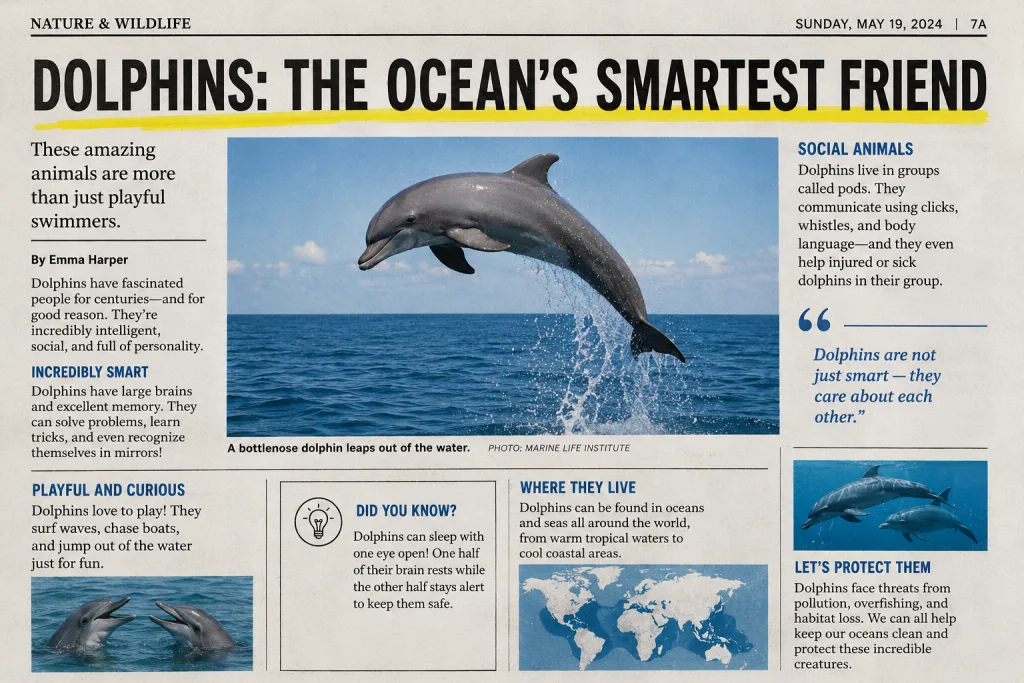
- “Vintage newspaper page about dolphins, headline and photo columns”
- “Stick figure presenting a dolphin on a projector screen, flat cartoon”
- “Bold dolphin infographic poster with quick facts, navy and ocean photos”
- “Two-panel dolphin explainer comic, photo on top, cartoon below”
- “Hand-drawn dolphin sketchnotes in a spiral notebook, marker doodles”
- “Vintage newspaper page about dolphins, headline and photo columns”
- “Stick figure presenting a dolphin on a projector screen, flat cartoon”
- “Bold dolphin infographic poster with quick facts, navy and ocean photos”
- “Two-panel dolphin explainer comic, photo on top, cartoon below”
- “Hand-drawn dolphin sketchnotes in a spiral notebook, marker doodles”
- “Vintage newspaper page about dolphins, headline and photo columns”
- “Stick figure presenting a dolphin on a projector screen, flat cartoon”
- “Bold dolphin infographic poster with quick facts, navy and ocean photos”
- “Two-panel dolphin explainer comic, photo on top, cartoon below”
- “Hand-drawn dolphin sketchnotes in a spiral notebook, marker doodles”
- “Vintage newspaper page about dolphins, headline and photo columns”
How a run works
- Step 1Attach the audioDrop in the voiceover or the whole clip. It is transcribed, so the scene follows what is actually said rather than a guess from three words.
- Step 2Describe the sceneOne line about the place and the mood. The model handles the rest of the framing rules — vertical, uncluttered centre, low contrast.
- Step 3Take three versionsEvery run returns three takes on the same idea — darker, brighter, different angle — so you pick rather than re-prompt.
The mistake is making it interesting
A background competes with whatever sits in front of it, and on a phone that contest is decided in half a second. What works is slow: one dominant colour, movement at the edges, nothing crossing the middle of the frame where a face lands.
- Keep the centre third quiet — captions and faces live there.
- Loop between five and fifteen seconds, or it reads as a stutter.
- Low contrast behind text, high contrast only at the edges.
Every run returns
- Format
- 1080×1920, vertical 9:16
- Takes
- Three versions of one idea
- Works for
- TikTok, Reels, Shorts
- Built from
- Your audio, transcribed
Questions
What is an AI video background generator?
A tool that turns a written description into a looping video background — a city at night, falling snow, a soft studio gradient — sized for the format you are publishing in, so you can drop it behind a talking head, a text overlay or a product shot.
What resolution should a TikTok or Shorts background be?
1080×1920, vertical 9:16. The same clip works for Reels and Shorts. Anything horizontal has to be cropped, which usually costs the part of the frame you cared about.
Should a background loop?
Yes. A background that visibly restarts pulls attention away from what you are saying. Loops that work are slow and low-contrast: drifting particles, gentle camera movement, light changing rather than objects moving.
Why is this a paid feature?
Generating video costs real money per clip — far more than fetching a transcript or a comment list. The free tools here cost us nothing to run, so they stay unlimited; this one cannot.
Can I use generated backgrounds commercially?
That depends on the model behind the generation and the licence attached to its output. We will state the licence plainly on the page before you can spend anything on it.
When is it available?
It is in development. The rest of the toolkit — transcripts, comments, chapters, summaries — works today, and the plans that will include background generation are the same ones listed on the pricing page.
While this one is in development
The rest of the toolkit runs today — pull a transcript, export comments, generate chapters, or check a thumbnail at the size people actually see it.