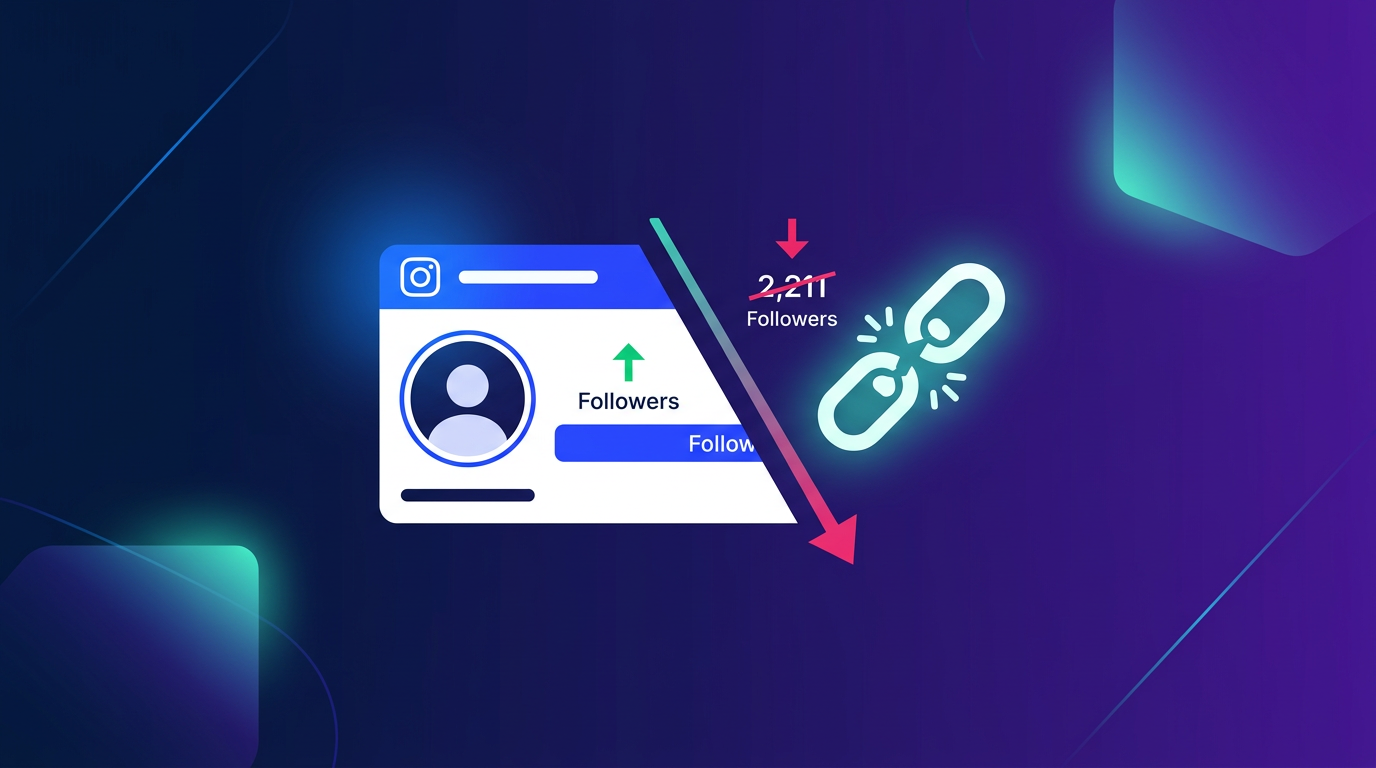
Does Instagram Notify You When Someone Unfollows You?
No. Instagram does not send any notification when someone unfollows you. There are no alerts, no emails, no in-app indicators. The only way to know is to check manually or use a third-party app.
Method 1: Check Manually (Native, Free)
Instagram's native follower list doesn't show you who recently unfollowed you, but you can check whether a specific person still follows you.
To check if a specific person unfollowed you:
- Go to your Profile → tap Followers
- Use the search bar within your followers list to search for their username
- If their name doesn't appear, they're no longer following you
This works well for checking one or two people but isn't practical for monitoring your whole follower base.
Method 2: Check Their Profile Directly
- Go to the person's profile
- Look at the Follow/Following button — if it says Follow (not Following), they've unfollowed you
- Check if their profile shows "Follows you" text under their name — if it's gone, they've unfollowed
On some devices and app versions, Instagram shows "Follows you" under a user's name when you view their profile. If that text disappears, they stopped following you.
Method 3: Use a Third-Party Follower Tracker App
Since Instagram's native tools don't show unfollowers, third-party apps fill the gap. Popular options:
- Followers Track for Instagram (iOS/Android)
- FollowMeter
- Unfollowers & Ghost Followers
These apps connect to your Instagram account and track follower changes over time, showing you:
- Recent unfollowers
- People you follow who don't follow back
- New followers
- Ghost followers (accounts that never engage)
Important: Use apps from reputable developers only. Be cautious with apps that request your Instagram password directly — legitimate apps use Instagram's official OAuth login. Giving your password to unknown apps risks account compromise.
How to See Who Doesn't Follow You Back
This is slightly different from unfollowers — it shows the full list of accounts you follow that don't follow you back.
Using Instagram natively:
- Go to your Profile → tap Following
- Scroll through the list — accounts that don't follow you back will show a Follow Back button on their profile, whereas mutual follows show Following
This is tedious at scale. Third-party apps handle it much more efficiently with a dedicated "Not following back" list.
Why Your Follower Count Drops (It's Not Always Unfollows)
If you notice a sudden drop in followers, it's not necessarily individual unfollows. Common causes:
| Cause | What happens |
|---|---|
| Instagram purges fake/bot accounts | Bulk follower drops, often in waves |
| User deactivates account | Their follow disappears |
| User deletes account | Same effect |
| Account suspended | Same effect |
| Genuine unfollow | Individual follower loss |
Large follower drops (hundreds at once) are almost always Instagram cleaning up bots and inactive accounts — not a wave of real users leaving.
Should You Care Who Unfollows You?
For most creators, individual unfollows are noise. More useful metrics to track:
- Overall follower growth trend (up, flat, or declining?)
- Reach and impressions per post (are your posts reaching people?)
- Engagement rate (do your followers actually interact?)
- Saves and shares (the strongest signals of content quality)
Someone unfollowing you is normal churn. The accounts that stay and engage are what matter. Focus on creating content that earns followers rather than tracking the ones who leave.
For Instagram Page analytics, Instagram Insights shows your follower count over time — check Profile → Professional dashboard → Insights → Audience to see your growth or decline by week.
Summary
To find out who unfollowed you on Instagram:
- Check manually: Search their name in your Followers list
- Check their profile: Look for "Follows you" label
- Use a tracker app: Followers Track, FollowMeter, or similar
Instagram won't tell you directly — but these methods give you the full picture. Focus on engagement over follower counts, and use the data to understand your audience rather than to chase individual numbers.