What Is a TikTok Duet?
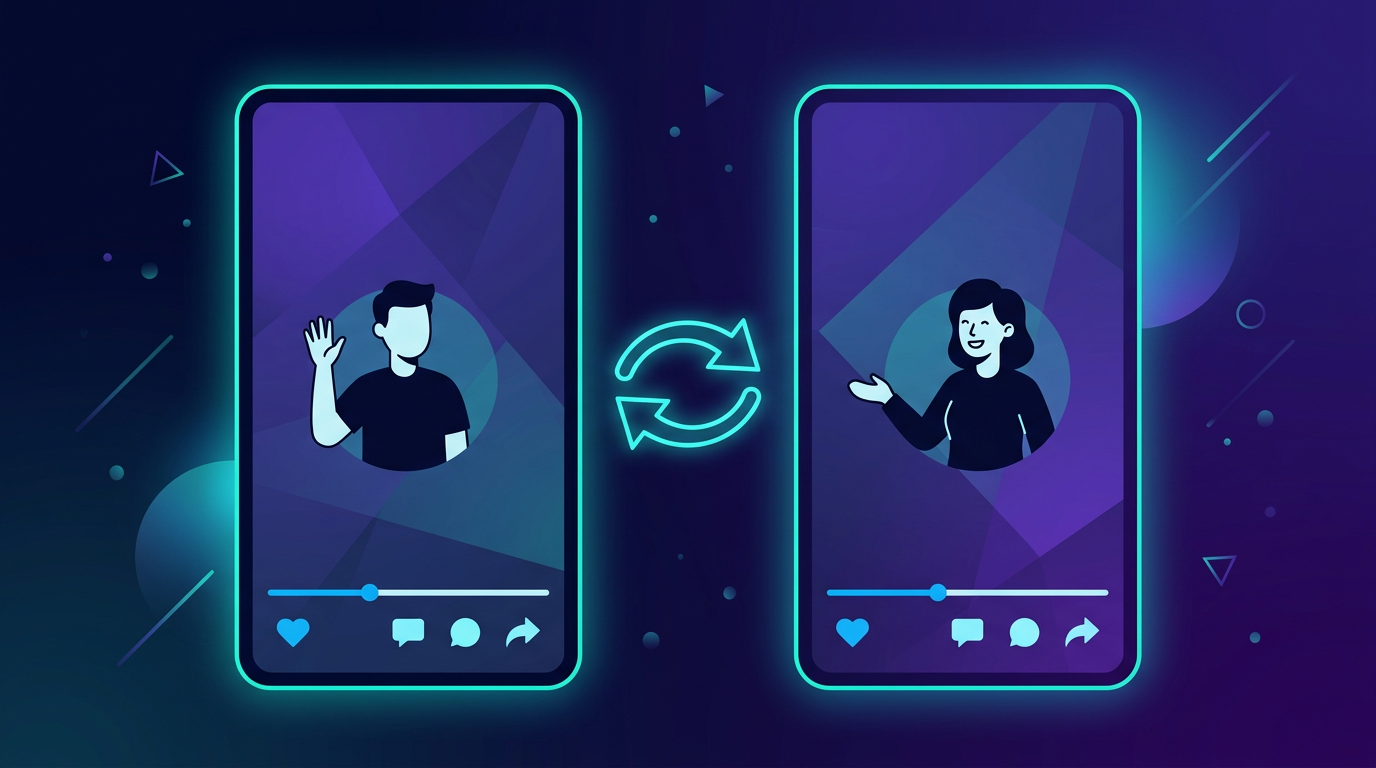
A TikTok Duet lets you create a video that plays alongside someone else's video in a split-screen format. Your video and the original play at the same time, side by side. Duets appear on your profile and in the For You feed, with the original creator credited.
Duets are one of TikTok's most powerful engagement features — they let you react to, collaborate with, or respond to other creators without needing to be in the same room.
How to Duet a TikTok Video
On mobile (iOS or Android):
- Find the video you want to duet (in your For You feed or on someone's profile)
- Tap the Share button (arrow icon on the right side)
- Tap Duet
- The camera opens with the original video playing on one side
- Record your reaction, response, or performance on the other side
- When done, tap the checkmark to proceed to editing
- Add any effects, text, or sounds if desired
- Tap Next, add a caption, choose your privacy settings
- Tap Post
Your Duet appears on your profile and is shared to your followers' feeds.
TikTok Duet Layout Options
TikTok offers several layout options when creating a Duet — you're not limited to just side-by-side:
| Layout | Description |
|---|---|
| Side by side | Classic 50/50 split screen — original on right, you on left |
| Top and bottom | Stacked vertically — useful for tall content |
| React | Original video plays large, your reaction appears in a small bubble |
| Greenscreen | Original video plays as your background |
To change the layout: after tapping Duet, look for the Layout button on the left side of the recording screen.
How to Add Your Own Audio to a Duet
By default, your Duet includes the audio from the original video. You can adjust this:
- While recording, tap the Audio button on the left panel
- You can toggle the original video's audio up or down
- You can also add a separate sound from TikTok's audio library
- Or record your own voice over the original
This is useful if you want to speak over the original video's audio, or if you're doing a singing/music duet where you want both tracks heard.
Can You Duet Any TikTok Video?
No. Creators can disable the Duet feature on their videos. If a creator has turned off Duets, you won't see the Duet option in the share menu — it simply won't appear.
Additionally:
- Private accounts cannot be duetted
- Some videos with licensed music may have Duet disabled for copyright reasons
How to Enable or Disable Duets on Your Own Videos
To control Duets on a specific video you've already posted:
- Go to your profile and find the video
- Tap ... (three dots) → Privacy settings
- Toggle Duet on or off
To set a default for all future videos:
- Go to Profile → ☰ → Settings and privacy
- Tap Privacy → Duet
- Choose who can Duet your videos: Everyone, Friends, or No one
Duet vs. Stitch: Which Should You Use?
| Duet | Stitch | |
|---|---|---|
| Format | Split-screen, plays simultaneously | Sequential — clips the original, then you respond |
| Best for | Reactions, singing along, side-by-side comparisons | Responding to a question, building on someone's argument |
| Original audio | Plays throughout | Plays during clipped section only |
| Your video plays | At the same time as original | After the original clip ends |
Use Duet when you want your reaction to be seen while the original plays — great for music, dance, or funny reactions.
Use Stitch when you want to quote and respond — better for commentary, educational content, and debate-style videos.
Duet Ideas That Perform Well on TikTok
1. Singing duets Harmonizing with a singer or completing a "fill in the blank" musical challenge. These consistently go viral because they're shareable and invite more duets.
2. Cooking/recipe reaction Watching someone cook and reacting in real time — either trying the recipe or commenting on the technique.
3. POV response Someone posts a scenario and you act out your response or reaction.
4. Skill vs. skill Dancer duets another dancer, artist duets another artist — the comparison format drives engagement.
5. "Do this with me" duets A creator does a challenge and asks viewers to Duet — very common in fitness, dance, and art niches.
Summary
To Duet on TikTok: tap the Share arrow on any video → tap Duet → record your video → post.
Choose your layout (side-by-side, react, greenscreen) and adjust audio balance to match your creative intent. If you don't see the Duet option, the creator has disabled it for that video.
Duets are one of the fastest ways to grow on TikTok — collaborating with larger creators through Duets exposes you to their audience. If you're scheduling your TikTok content in advance, PostLink handles your regular posts so you have more time to engage with trending Duet opportunities in real time.