How to Schedule Threads Posts in Advance (Step-by-Step Guide)
Learn how to schedule Threads posts in advance with PostLink. Batch create your Threads content, cross-post to Instagram, and keep your account consistently active.
Can You Schedule Threads Posts in Advance?
Yes. Threads opened its API to third-party scheduling tools, which means you can now schedule Threads posts the same way you schedule Instagram or TikTok content.
The two main options:
- Threads natively — no built-in scheduling (you have to post manually)
- PostLink — schedule Threads posts days or weeks ahead, auto-publish, cross-post to Instagram and other platforms
This guide covers how to schedule Threads posts using PostLink.
Why Schedule Threads Posts?
Threads is a text-first platform, which means the barrier to posting is low — but that also means consistency is easy to let slip. Scheduling removes the daily friction:
- Batch your writing — write a week of Threads posts in one sitting
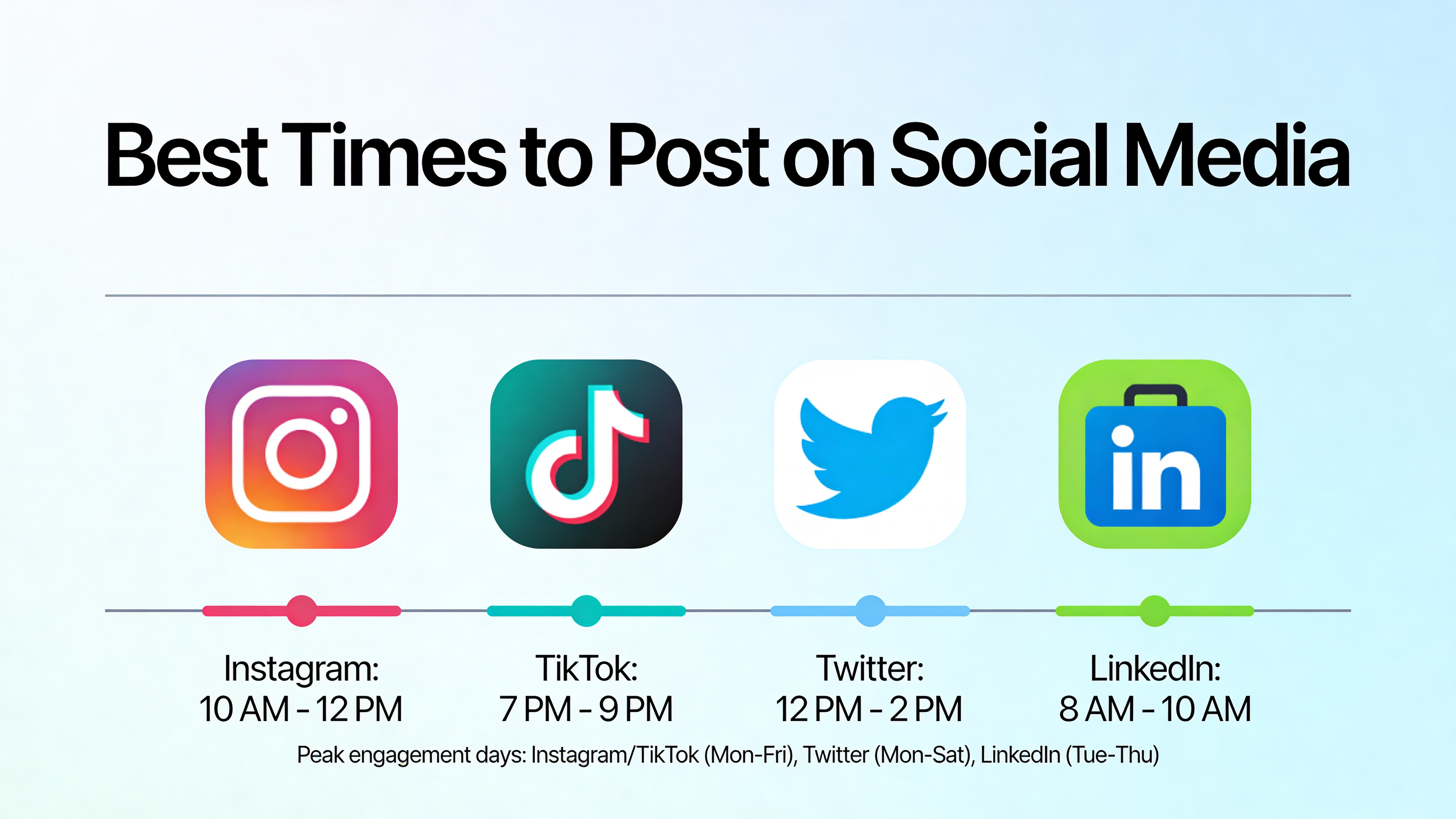
- Post at peak times — Threads engagement peaks in the morning and evening; scheduling ensures you hit those windows even when you're busy
- Cross-post to Instagram — Threads and Instagram are both Meta platforms; the same text post can go to both simultaneously
- Never miss a day — consistent accounts build audiences faster on any platform
How to Schedule Threads Posts with PostLink
PostLink's Threads scheduler connects to the official Threads API and lets you schedule posts up to 90 days in advance.
Step 1: Connect your Threads account
- Log into PostLink or start your 7-day free trial
- Go to Accounts → Add Account
- Select Threads
- Authorize with your Threads account
Step 2: Write your post
- Click Upload or New Post
- Write your text — Threads is conversational, so keep it direct
- Optionally add an image
- Add a link if you're driving traffic somewhere
Tip: Threads posts that ask a question or take a strong position get significantly more replies than passive informational posts. End with something that invites a response.
Step 3: Select Threads (and Instagram if cross-posting)
Select Threads from the platform picker. If you want to post the same content to Instagram simultaneously, select that too. You can write separate captions for each platform if needed.
Step 4: Schedule your post
- Click Schedule for later
- Pick your target date and time
- Confirm — your post is queued
PostLink auto-publishes at the scheduled time. View and manage all scheduled Threads content in PostLink's content calendar.
What Types of Threads Content Can You Schedule?
| Post type | PostLink support |
|---|---|
| Text-only posts | ✓ |
| Posts with images | ✓ |
| Link posts | ✓ |
| Cross-posts to Instagram | ✓ |
Threads Content Strategy: What Actually Works
Keep it conversational and direct
Threads penalizes promotional, corporate-sounding text. Write the way you'd talk to someone directly. Short sentences, clear opinions, real perspectives.
Post 1–2 times per day
Threads is designed for frequent updates. Unlike Instagram where daily posting is ambitious, Threads users post multiple times per day. Aim for at least 1 post per day, 2 if you can maintain quality.
Ask questions
Threads' engagement loop is built around replies. Posts that end with a direct question — "What's your take?" or "Which would you choose?" — consistently outperform statements.
Cross-post to Instagram strategically
Not every Threads post translates to Instagram. Text-heavy posts with Threads' conversational tone can feel out of place in Instagram's more visual feed. Use PostLink's per-platform caption feature to adapt the copy when cross-posting.
Batch schedule on Sunday
Spend 30–45 minutes on Sunday writing and scheduling the week's Threads content. The rest of the week, Threads runs on autopilot.
Threads vs. Twitter/X for Scheduling
If you're migrating from Twitter/X or managing both:
| Threads | Twitter/X | |
|---|---|---|
| Character limit | 500 | 280 |
| Algorithm | Meta's recommendation engine | Timeline + For You |
| API scheduling | ✓ via PostLink | ✓ via PostLink |
| Cross-post to Instagram | ✓ | ✗ |
| Audience growth speed | Fast in 2026 | Slower |
Summary
Scheduling Threads posts is now straightforward with PostLink:
- Connect your Threads account to PostLink
- Write your posts in batch — aim for a week at a time
- Schedule at morning (9–11 AM) or evening (7–9 PM) windows
- Add Instagram to cross-post simultaneously
- Let PostLink auto-publish on schedule
Try PostLink free for 7 days and schedule your first week of Threads content today.